

Daikin Air Con Remote Symbols Explained: What Every Icon Means
Confused by your Daikin air con remote symbols? This guide explains every icon — modes, fan speed, timers and more — so you can get the most from your unit.


Confused by your Daikin air con remote symbols? This guide explains every icon — modes, fan speed, timers and more — so you can get the most from your unit.
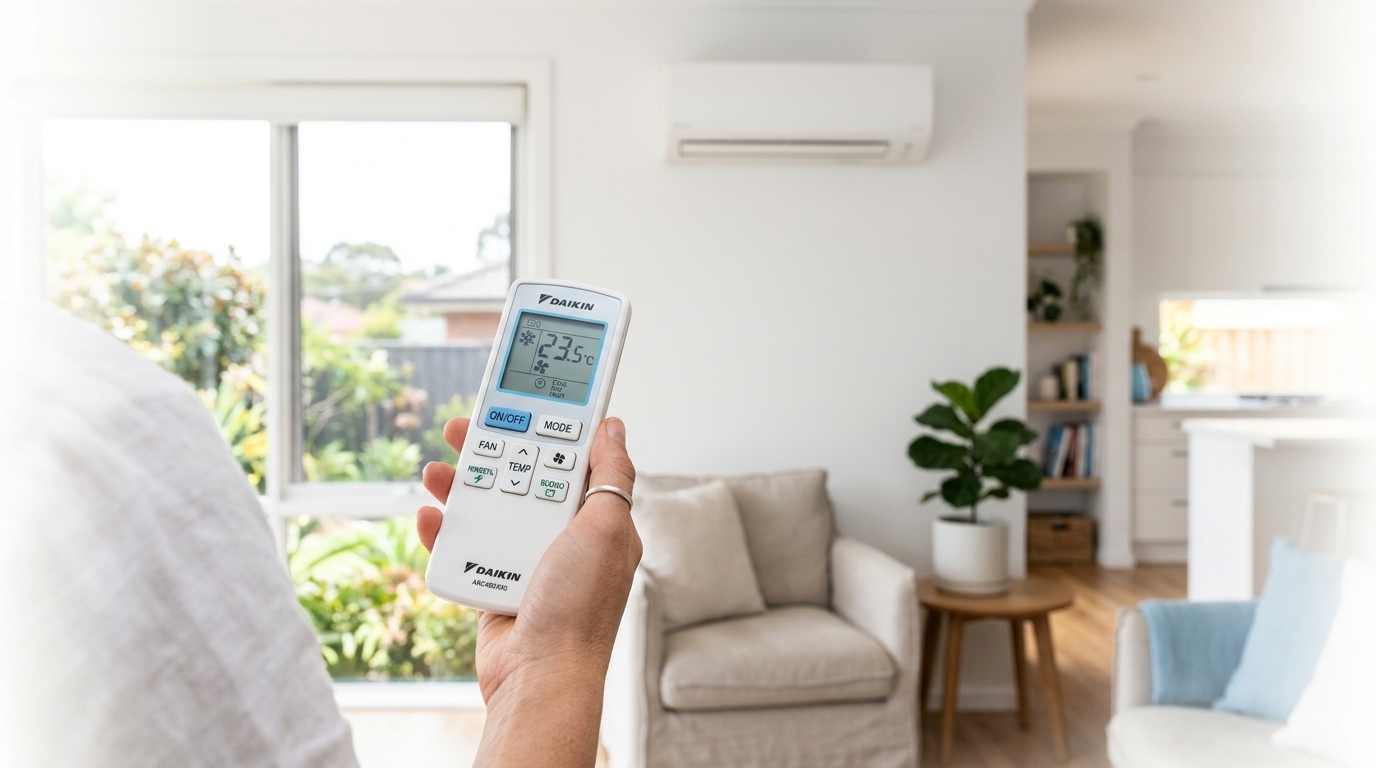
If you've picked up your Daikin air con remote and found yourself staring at a row of tiny icons with no idea what half of them do, you're not alone. Daikin air con remote symbols are not always self-explanatory, and the manual that came with your unit isn't exactly light reading. This guide breaks down every common symbol so you can get the most out of your system without guesswork.
One thing worth knowing upfront: Daikin produces a wide range of models, and the remote design can vary between them. Most of the symbols covered here appear across the majority of Daikin remotes, but if you spot something that doesn't match, cross-reference your specific model's manual to confirm.
The mode symbols are the most important icons on your remote. They control what your unit is actually doing, so getting these right makes a real difference to your comfort and your power bill. Most Daikin remotes display the current mode on the LCD screen, and you cycle through options using the 'Mode' button.
Auto mode is represented by the letter 'A' surrounded by four arrows pointing inward. In this mode, the unit reads the current room temperature and compares it to your set temperature, then decides whether to heat or cool to reach that target. You don't need to choose between heating and cooling yourself.
It's a good option on mild days when the temperature is hovering around your comfort zone and you just want the system to handle it. That said, Auto mode can occasionally switch between heating and cooling more than necessary if the room temperature is sitting right on the set point, so on very hot or very cold days it's usually better to select Cool or Heat directly.
The snowflake icon means Cool mode. This is the standard setting for summer, where the unit actively lowers the room temperature by removing heat from the air. Set your target temperature, and the system works to reach and hold it.
The sun icon means Heat mode. Daikin split systems use reverse cycle heating to extract warmth from the outside air and transfer it indoors, even on cold days. It's efficient and effective, and it's the mode you'll rely on through winter.
The box with two raindrops means Dry mode. This one is often overlooked, but it's genuinely useful in humid Australian summers, particularly in cities like Sydney where the air can feel heavy and sticky even when it's not that hot. Dry mode reduces the moisture content of the air without dropping the temperature as aggressively as Cool mode. The result is a more comfortable room without the chill. If you find Cool mode leaves the room feeling too cold but the humidity is still bothering you, Dry mode is worth trying.
The fan blades icon means Fan Only mode. In this mode, the unit circulates air around the room but does not heat or cool it. There's no refrigeration cycle running, so it uses very little power. It's handy for moving air on a mild day or for clearing stale air from a room, but it won't do much on a 35-degree afternoon.
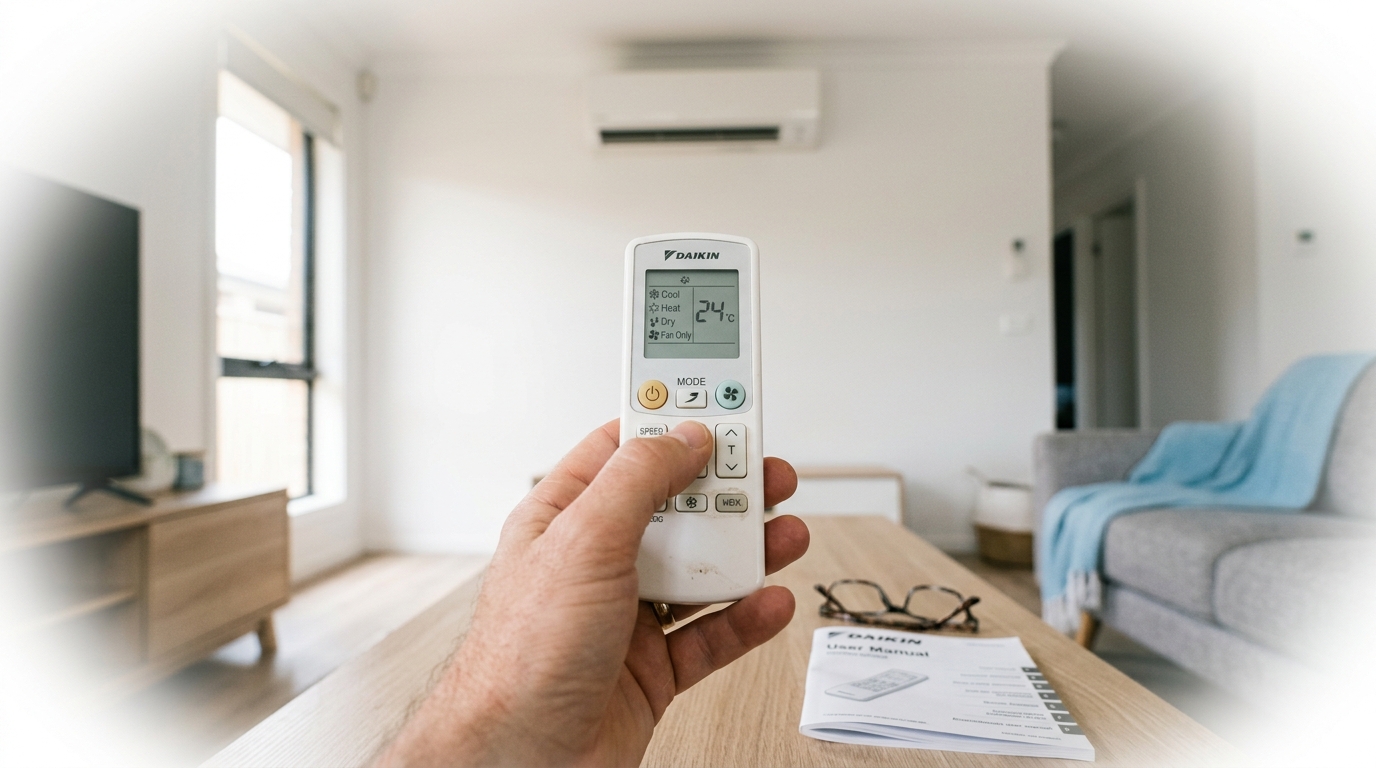
Once you've set the right mode, the next step is controlling how the air is actually delivered. The fan speed, louvre direction, and temperature symbols give you fine-grained control over your comfort, and understanding them properly can also help you run the unit more efficiently.
Fan speed is shown as a series of vertical bars or horizontal lines, similar to a signal strength indicator on a phone. More bars means a higher fan speed. A higher speed will cool or heat the room faster, but it draws more power and produces more noise, so it's not always the right choice for everyday use.
The 'Auto' fan setting, usually shown as the letter 'A' next to the fan icon, lets the unit manage speed itself based on how far the room temperature is from your set point. This is generally the most efficient way to run the system day-to-day, and it's worth defaulting to unless you have a specific reason to override it. For more on keeping running costs down, see our guide on how to lower the cost of running your air conditioning.
The curved arrow symbol, often shown as a single arc or a pair of arrows pointing up and down, controls the swing function. When swing is active, the horizontal louvres oscillate up and down continuously, distributing air across the whole room rather than directing it at one spot. This is useful for general comfort when you want even coverage.
When swing is off, the louvres lock at a fixed angle. For cooling, angle the louvres upward so the cool air rises and then falls naturally across the room. For heating, angle them downward so the warm air reaches the people in the room rather than pooling near the ceiling. It's a small adjustment that makes a noticeable difference to how quickly the room reaches your set temperature.
Some Daikin remotes also display a thermometer icon showing the current room temperature, and on certain models you'll see two thermometer icons, one with a house outline and one without, representing the indoor and outdoor ambient temperatures. These are read-only displays, not adjustable settings, but they're handy for understanding what the unit is working with.
These are the symbols most people ignore, usually because they're not sure what they do. Each one serves a specific purpose, and a few of them are genuinely worth using regularly.
Powerful mode is shown as a person with arms raised, or sometimes a bold 'P' icon. When activated, the unit runs at maximum capacity for 20 minutes to bring the room to your set temperature as quickly as possible. It's useful when you walk into a hot room and want it cooled down fast, or when you're heading to bed and want the bedroom comfortable before you get in. After 20 minutes, the system automatically drops back to normal operation.
Econo mode is shown as a downward arrow with a horizontal line beneath it. This mode caps the maximum power draw of the unit, which is useful if you're running other high-draw appliances at the same time and want to avoid tripping a circuit breaker. It also reduces running costs slightly, though the trade-off is that the unit takes longer to reach your set temperature. It's not ideal for situations where you need Powerful mode, but it's a smart choice for steady overnight running.
Quiet mode is represented by a tree and moon icon, or sometimes just a crescent moon with a small symbol beside it. This reduces the noise produced by the indoor unit's fan, making it less intrusive in a bedroom or study. The unit still heats or cools, just more gently and quietly.
Sleep mode, shown as a moon with stars, gradually adjusts the set temperature over a few hours to account for the fact that your body temperature drops during sleep. In Cool mode, it slowly raises the set temperature by a degree or two overnight so the room doesn't become uncomfortably cold. In Heat mode, it does the reverse. It's a more comfortable way to run the unit overnight than leaving it at a fixed temperature.
Using Econo mode and Sleep mode together is a practical strategy for overnight running. Sleep mode keeps the temperature comfortable as you sleep, while Econo mode keeps the power draw in check. The result is a comfortable night without a spike in your electricity bill. For more ways to get the most out of your system, take a look at our tips and tricks to keep your air conditioner performing at its best.
The Timer symbol, shown as a clock face, lets you schedule the unit to turn on or off at a set time. Some Daikin models also support a weekly schedule, which lets you program different on/off times for each day of the week. Setting the unit to start 20 to 30 minutes before you get home means you walk into a comfortable room without leaving the system running all day.
Understanding the symbols is one thing. Knowing how to combine them for real Australian conditions is where you start getting genuine value from your system. A few practical combinations are worth keeping in mind.
On a humid Sydney summer day where the air feels thick but the temperature isn't extreme, Dry mode is often a better choice than Cool. It takes the moisture out of the air without overcooling the room, so you're comfortable without reaching for a jumper an hour later. On days where the heat is the actual problem, switch to Cool mode and use Powerful mode for the first 20 minutes to bring the room down quickly, then switch to Econo mode for steady, lower-cost running once you've hit your target temperature. It's a simple two-step approach that balances speed and efficiency.
The weekly timer is one of the most underused features on Daikin remotes. Setting the unit to start 20 to 30 minutes before you get home means you walk into a cool room without leaving the system running all day. Paired with Sleep mode overnight, you can run the system comfortably around the clock without it showing up too aggressively on your power bill.
If you're considering a new Daikin system, the three models we install and recommend most often are the 2.5kW Daikin Lite FTXF25WVMA from $972, the 2.5kW Daikin Cora FTXV25WVMA from $1,038, and the 2.5kW Daikin Alira X FTXM25YVMA from $1,180. The Lite is a solid entry-level option, the Cora sits in the mid-range with a few extra features, and the Alira X adds Wi-Fi control so you can manage the system from your phone. You can browse our Daikin range to compare models and find the right fit for your space.
The snowflake symbol represents Cool mode. In this mode, the unit actively removes heat from the room to lower the temperature to your set point. It's the standard setting for hot days and is the mode most people use throughout summer.
Dry mode reduces the humidity in a room without cooling it as aggressively as Cool mode. The unit still runs the refrigeration cycle, but at a lower capacity, so the air feels less sticky and heavy without the room becoming cold. It's particularly useful in humid climates like coastal New South Wales and Queensland.
Powerful mode runs the unit at maximum capacity for 20 minutes to reach your set temperature as quickly as possible. After 20 minutes, the system automatically returns to normal operation. It's useful when you first walk into a hot room and want it cooled down fast.
Press the Timer button on your remote to access the timer settings. You can set a specific time for the unit to turn on or off. Many Daikin models also support a weekly schedule, which lets you program different on and off times for each day. Refer to your model's manual for the exact steps, as the process varies slightly between remotes.
Getting familiar with your remote symbols means you can run your Daikin unit the way it was designed to be run. The right mode for the right conditions, fan speed set to Auto, Sleep and Econo working together overnight. Small adjustments like these add up to real savings on your power bill and a more comfortable home year-round.
If your unit isn't responding the way it should, you're thinking about upgrading to a newer model, or you're due for a professional clean and service, our technicians are available across Sydney and Melbourne. We offer air conditioning service with up-front pricing and real booking times, no vague all-day windows.
Call us on 1300 801 839 or request a free quote online and we'll get back to you promptly.