

How to Use Your Air Conditioner Remote Control: Buttons, Modes and Settings Explained
Confused by your air conditioner remote control? Learn what every button, mode and setting does — from temperature to fan speed, timers and more.


Confused by your air conditioner remote control? Learn what every button, mode and setting does — from temperature to fan speed, timers and more.

Most people use their air conditioner remote control the same way every day: power on, temperature up or down, power off. That covers maybe three buttons out of 15 or more. The rest, including modes, fan speed, louvre direction, timer and sleep functions, sit unused, even though they can meaningfully cut your running costs and keep your home more comfortable. This guide walks through every key button on a standard air conditioner remote control, explains what each one actually does and tells you when to use it.
Most split system air conditioners come with a handheld remote as standard, and while the layout differs between brands, the core functions are consistent across Daikin, Mitsubishi Electric, Fujitsu and others. Once you understand the logic behind the buttons, any remote becomes straightforward to use.
Key takeaways
Every air conditioner remote, regardless of brand or model, includes the same set of essential controls. The icons and labels vary, but the underlying functions are identical. Here is a step-by-step breakdown of what each button does and how to get the most from it.
Button labels and icons vary between brands. Daikin, Mitsubishi Electric and Fujitsu all use slightly different symbols for the same functions, which can make a new remote confusing at first. For a full visual breakdown of what every icon means, see our guide to what every icon on your remote means.
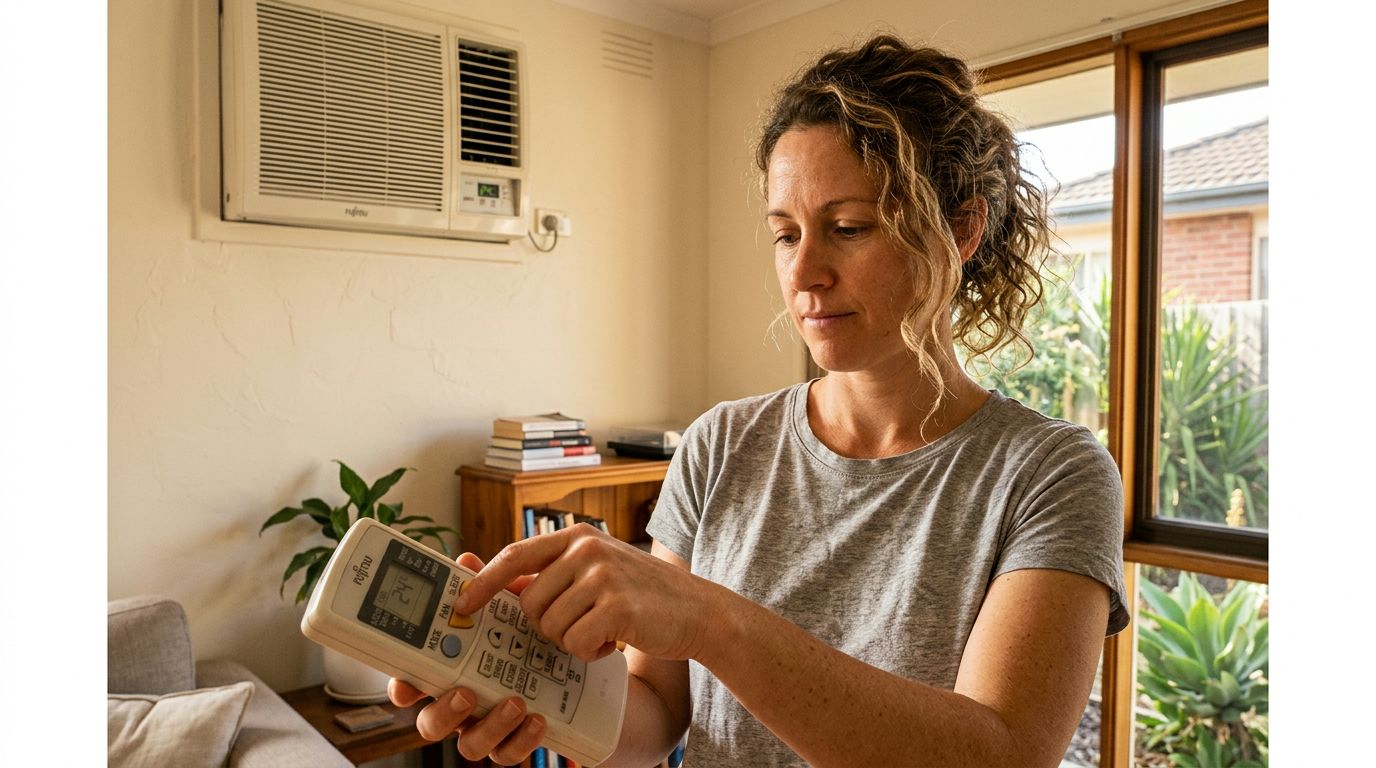
Every standard air conditioner remote includes five operating modes: Cool, Heat, Dry, Fan and Auto. Each one runs the system differently, and choosing the right mode for the conditions makes a real difference to both comfort and running costs. The table below covers what each mode does, when to reach for it and the mistake most people make with it.
| Mode | What It Does | Best Used When | Common Mistake |
|---|---|---|---|
| Cool | Runs the refrigeration cycle to lower room temperature. The compressor is active and the unit removes heat from the air. | The room is uncomfortably warm and you need active cooling. Typically above 26°C indoors. | Setting the target temperature too low (18 to 20°C) on a hot day. This overworks the compressor and adds significantly to your power bill without cooling the room any faster. |
| Heat | Reverses the refrigeration cycle to extract heat from outside air and pump it into the room. | The room is cold and you need active warming. Most efficient when outdoor temperatures are above 5°C. | Setting the temperature too high (25°C or above) and then opening windows. The unit works against itself and runs continuously. |
| Dry | Runs the compressor at low capacity to reduce humidity without aggressively cooling the room. The fan runs slowly to maximise moisture extraction. | Humid, sticky days where the temperature is already comfortable but the air feels clammy. Common in coastal Australian summers. | Using Dry mode as a substitute for Cool on genuinely hot days. It is not designed for heavy cooling loads and will struggle above 28°C. |
| Fan | Circulates air through the indoor unit without activating the compressor. No heating or cooling occurs. | Mild days where you just want air movement, or to clear stale air from a room quickly. | Leaving Fan mode running overnight expecting it to cool the room. Without the compressor, it only moves air at whatever temperature the room already is. |
| Auto | The unit monitors room temperature and switches between Cool and Heat automatically to maintain the set temperature. | Mild days with variable conditions, or when you want a set-and-forget approach without manually switching modes. | Ignoring it entirely. Many people never use Auto, assuming it is less effective than manually selecting Cool or Heat. |
Auto mode is probably the most underused setting on any remote. On mild spring or autumn days in Australia, where the morning might be cool and the afternoon warm, Auto lets the unit switch between heating and cooling without you touching the remote. It tends to run the compressor in shorter, more efficient bursts rather than holding one mode continuously, which can reduce energy use on days when the temperature is close to your target. It is not the right choice on a 38°C summer afternoon, but for the other 200-odd days of the year, it is worth trying.
For a deeper breakdown of how each mode works under the hood, including how Dry mode differs from dehumidifier-only units and when Heat mode beats a gas heater on running costs, read our air conditioner modes explained in detail.
Beyond the core buttons, most modern air conditioner remotes include a second layer of features that the majority of homeowners never touch. Timer, Sleep, Economy and Quiet modes are not gimmicks. Used consistently, they can trim your running costs and make the system work around your schedule rather than the other way around.
The Timer function lets you schedule the unit to turn on or off at a set time in the future. Most remotes handle this as a countdown rather than a clock time: you set how many hours from now you want the action to occur. A practical example for summer: if you leave work at 5:00 pm and the drive home takes 30 minutes, set a Timer On for 0.5 hours before you expect to arrive. The room is already at your target temperature when you walk in, and the unit has not been running all day. That single habit can save a meaningful amount over a full summer.
Timer Off is equally useful at night. Rather than leaving the unit running until morning, set it to switch off two to three hours after you go to bed. By then, the room is at temperature and your body heat and bedding will maintain comfort for most of the night.
Sleep mode (sometimes labelled 'Night' on older remotes) gradually raises the set temperature by 0.5 to 1°C per hour after activation. The logic is straightforward: your body temperature drops slightly during sleep, so you need less aggressive cooling to stay comfortable. The unit does less work, the compressor runs less often and your overnight running costs fall. The change is slow enough that most people do not notice it, which is the point.
These modes cap the compressor's maximum output to reduce peak power draw. The Daikin Cora series includes an Econo mode on its standard remote, which limits the compressor to a lower capacity ceiling and is particularly useful if you are running multiple appliances simultaneously. The Mitsubishi Electric MSZ-AP series offers a similar function through its i-save mode, which locks in a preferred economy setting so you do not have to re-enable it each time. The Fujitsu ASTG series (such as the ASTG09KMCA 2.5kW) includes an Energy Save mode on its standard remote that works on the same principle. None of these modes cool or heat as quickly as full output, but on a mild day or in a well-insulated room, the difference in comfort is minimal while the saving on your bill is real.
Quiet mode reduces the indoor unit's fan speed to its lowest setting, which drops the noise output noticeably. It is worth using in bedrooms and home offices where the standard fan noise becomes distracting. The trade-off is slower temperature change, so it is best activated once the room is already close to your target temperature rather than at startup.
Not every remote includes all four of these features. Entry-level models often have Timer and Sleep but skip Economy and Quiet. The Panasonic Econavi series goes a step further: sensors built into the remote itself detect room occupancy and adjust the unit's output automatically, reducing capacity when the room is empty and ramping back up when someone returns. It is one of the more practical implementations of sensor-based control available at a mid-range price point.
A remote that stops responding is almost always a simple fix rather than a sign of a serious problem. Work through these steps in order before assuming the worst about your system.
If your original remote is lost or damaged beyond use, a universal remote programmed to your brand is a practical short-term fix. Most major brands including Daikin, Mitsubishi Electric and Fujitsu also have smartphone apps that can control compatible units over Wi-Fi, which removes the need for a physical remote entirely on newer models.
Understanding your remote control is the simplest way to improve comfort and reduce running costs without spending a cent. Most homeowners only ever use a fraction of what their system can do, leaving timer functions, sleep modes and economy settings completely untouched. Switching to the right mode for the conditions, setting a timer to match your routine and activating sleep mode at night can make a real difference to your quarterly power bill.
The remote is only as useful as the system behind it, though. If your unit is not responding correctly even with the right settings dialled in, it may be due for a service rather than a settings adjustment. If your system is not performing as expected, book an air conditioning service in Sydney and our technicians can diagnose the issue before it becomes a bigger problem.
The snowflake symbol represents Cool mode. Pressing it activates the refrigeration cycle, which removes heat from the room air and expels it outside. It is the mode to use on hot days when you need active cooling rather than just air circulation.
The most common cause is flat or failing batteries. Replace them with fresh alkaline batteries and point the remote directly at the small dark IR receiver panel on the front of the indoor unit. If the unit still does not respond after a battery change and reset, the indoor unit's receiver board may be faulty and will need a professional inspection.
For cooling, 24 to 26°C is the recommended range for most Australian homes. For heating, 20 to 22°C suits most people comfortably. Every degree lower in cooling mode adds roughly 5 to 10% to your running costs, so setting the temperature to 18°C on a hot day costs significantly more without cooling the room any faster.
Sleep mode gradually raises the set temperature by 0.5 to 1°C per hour after it is activated. This works because your body temperature drops slightly during sleep, meaning you need less aggressive cooling to stay comfortable overnight. The result is a quieter, more efficient system that uses less power while you sleep without any noticeable drop in comfort.